Candle
说明
Candle是 Hugging Face 推出的 Rust 机器学习推理框架.- 本页当前记录 Windows + CUDA 环境的最小安装注意点.
参考
- 官方安装指南: https://huggingface.github.io/candle/guide/installation.html
Windows 11 安装 CUDA
- 执行
nvidia-smi查看当前驱动支持的 CUDA 版本.
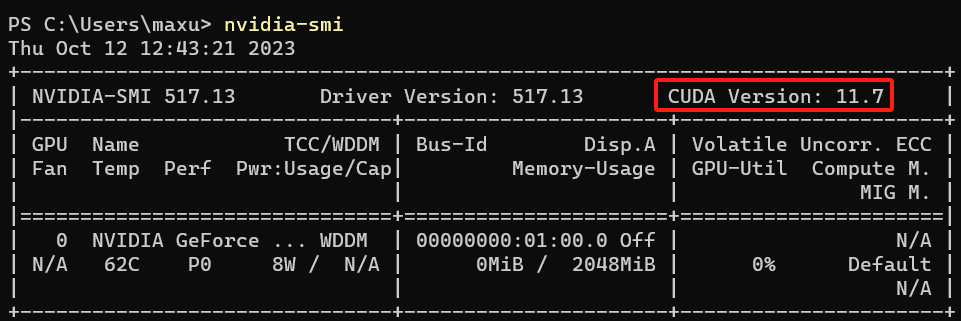
- 到 CUDA 归档页面下载匹配版本的安装包.
- 完成安装后, 再确认
nvcc与 CUDA 运行库是否已正确进入环境.
MSVC 编译器路径
在 Windows 上编译部分依赖时, 还需要确保 cl.exe 所在目录已加入 PATH.
示例路径:
D:\Program Files\Microsoft Visual Studio\2022\Community\VC\Tools\MSVC\14.37.32822\bin\Hostx64\x64
后续可补
candle-core/candle-nn的最小示例.- CPU 与 CUDA 特性切换方式.
- Windows 与 Linux 的差异化安装记录.